BurpSuite: Installation
As mentioned in the previous module, BurpSuite allows you to see and modify communication between the browser and the website on the fly. This means that the BurpSuite software needs to be able to get in between these two parties. However, first you need to install the software.
BurpSuite Community installation
There are three different versions of the BurpSuite software:
- BurpSuite Community
- Free version with limited functions.
- BurpSuite Professional
- Paid version with features like a built-in scanner that automatically detects vulnerabilities on websites.
- BurpSuite Enterprise
- Version intended for businesses, which includes even more features, such as the ability to use the BurpSuite tool programmatically.
We will be using the BurpSuite Community version in the platform's material. Although the free version lacks several interesting functionalities, it still includes everything essential for finding and exploiting vulnerabilities.
You can download and install the BurpSuite software here. Start the program after installation. After starting, BurpSuite will ask you what kind of project you want to create, but since we are using the free version of the software, you can only create a temporary project, so you can continue by pressing the next button. Next, the program will ask you if you want to use the program's default settings or use a configuration file. Default settings are acceptable, so press the *Startup Burp *button.
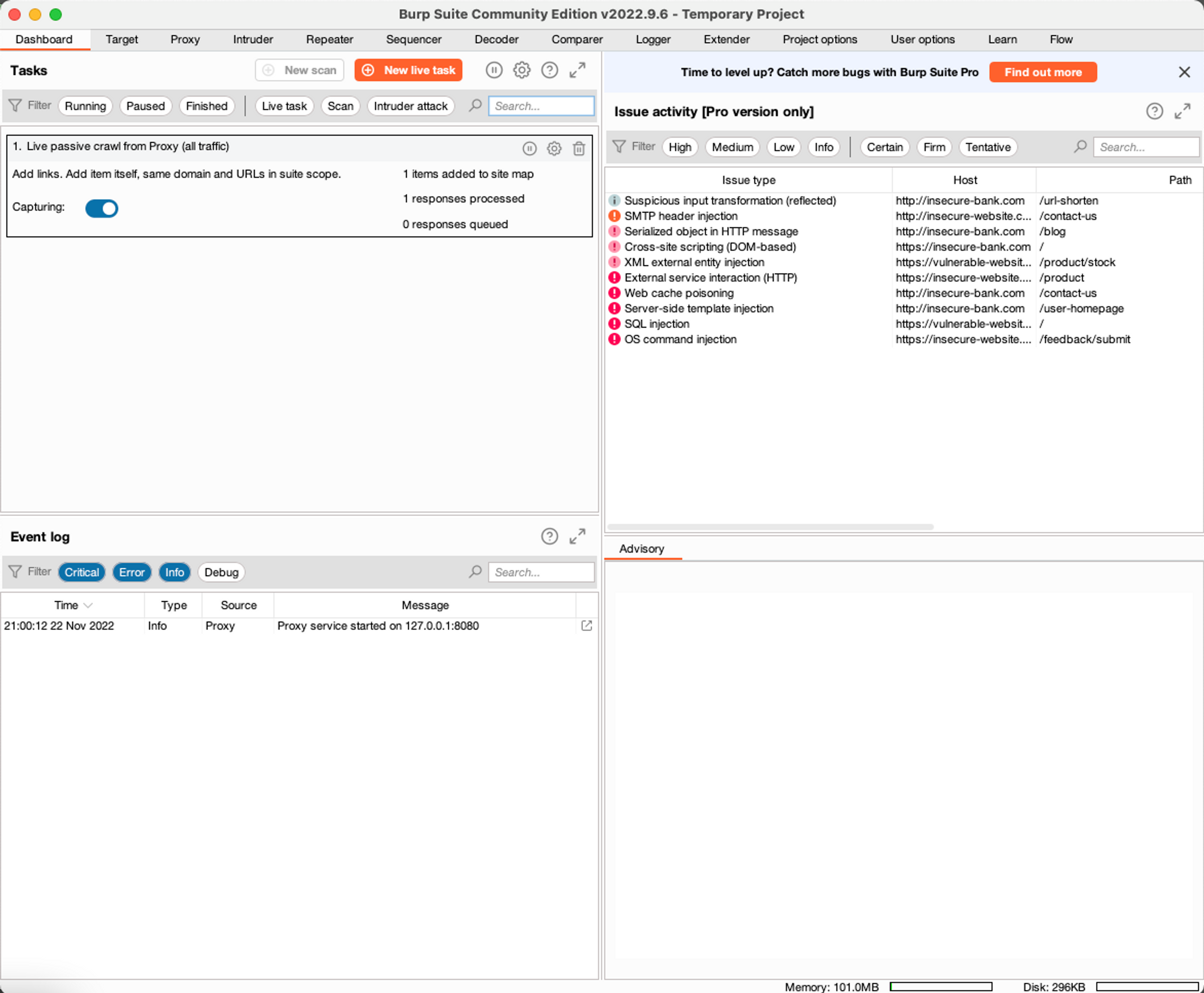
After the initial phases, the BurpSuite program should start normally.
Learn to hack — start here
Hundreds of interactive courses, virtual labs and CTF challenges in your browser. Start a free trial — no card required.