Creating and editing files
You can use the Linux command line at the bottom of the page to practice commands. Finally, solve the given tasks using the same command line.
It is also possible to create and edit files on the command line. When you want to create one or more empty files, you can use, for example, the touch command.
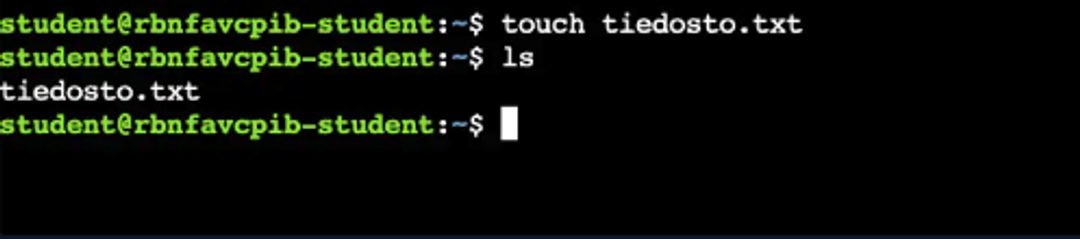
1touch file1.txt file2.txtIn the image below, we created a new file using the touch command and confirmed the success of the command by using the ls command.
When you want to see the content of a file on the command line, it is possible to use, for example, the cat command. The cat command comes from the word concatenate, which means to link together or chain together. In practice, the command simply prints the content of the file to the command line.
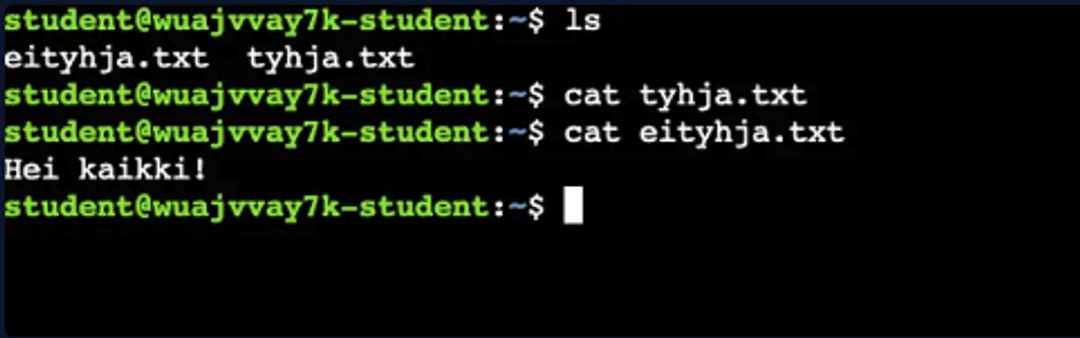
1cat file.txtIn the image below, we tried printing the contents of two different files using the cat command. One of the files was empty and the other one was not.
There are several different editing programs available for editing text-based files, such as vim, emacs, and perhaps the most well-known, nano. nano is the simplest to use and the easiest way to start editing on the command line, so we will use it to edit files in this course.
You can start the nano program by giving it an existing file name. Alternatively, you can also give it a new file name, in which case nano will create the corresponding file.
1nano file.txtThe nano- program opens to the command line, allowing you to freely write to a file. When you're ready, you can close the program and save the file by pressing *ctrl - x *and *y + enter. *You can check the content of the edited file with the *cat-*command.
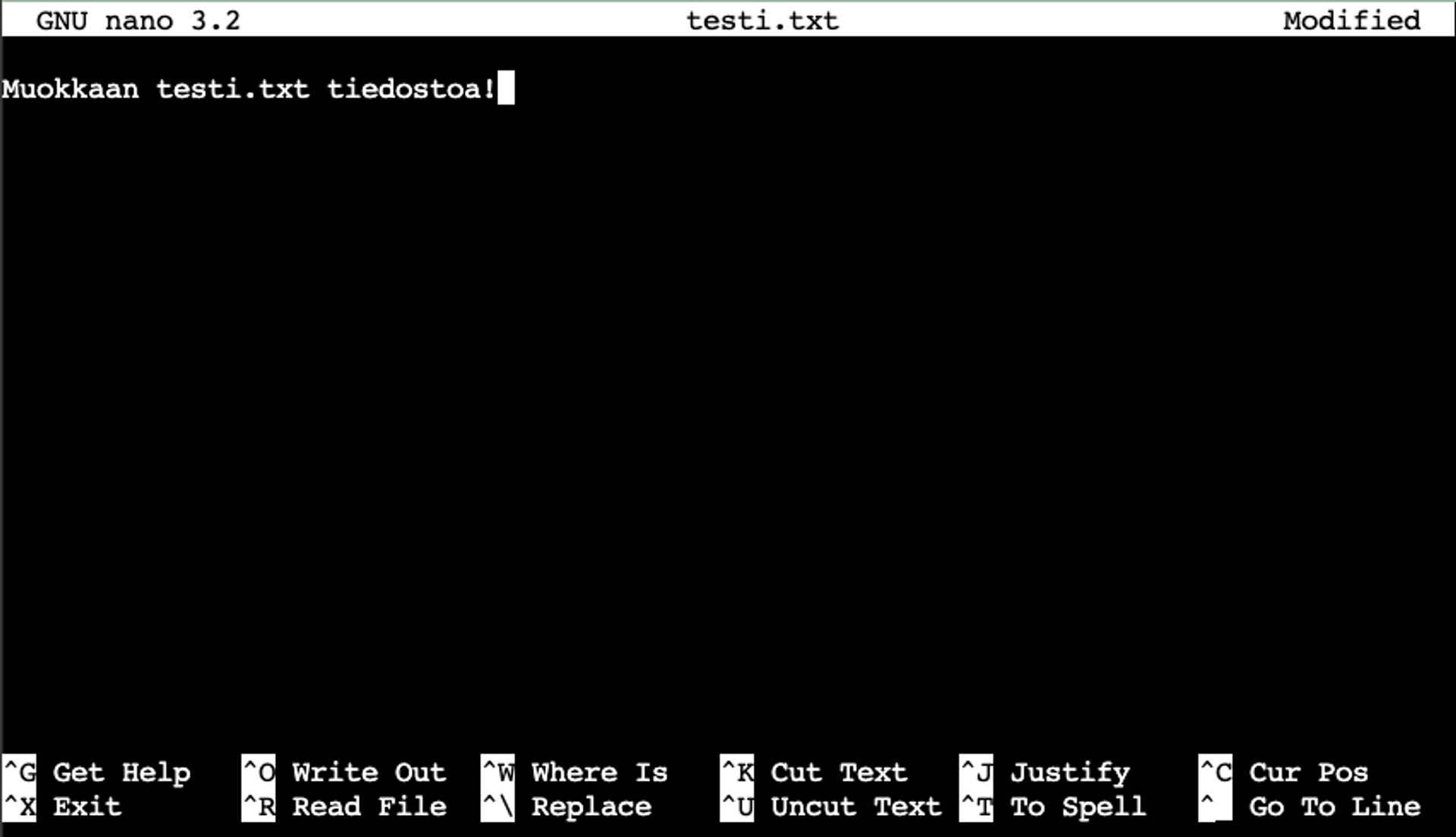
Below is a picture of a nanoprogram.
Learn to hack — start here
Hundreds of interactive courses, virtual labs and CTF challenges in your browser. Start a free trial — no card required.