14ku
BurpSuite - Search
Easy15MIN
What is the search tool of Burp Suite?
The BurpSuite search functionality enables searching for text throughout Burp. So, if any HTTP message, be it a response or a request, contains the specified text, it will be listed.
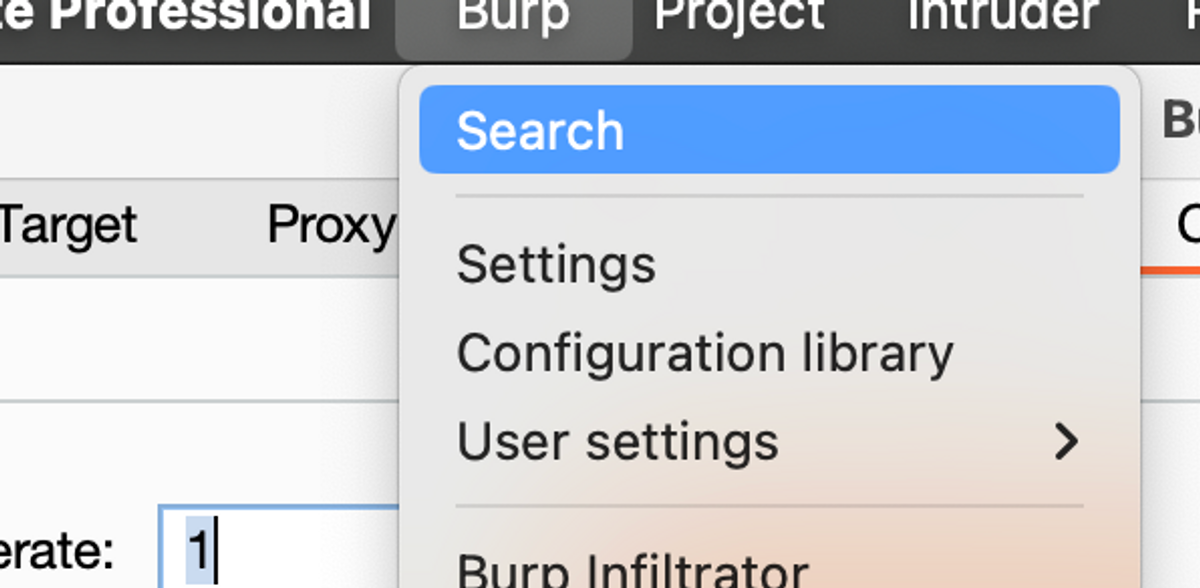
You can open the tool by selecting "Burp -> Search" from the top left corner.
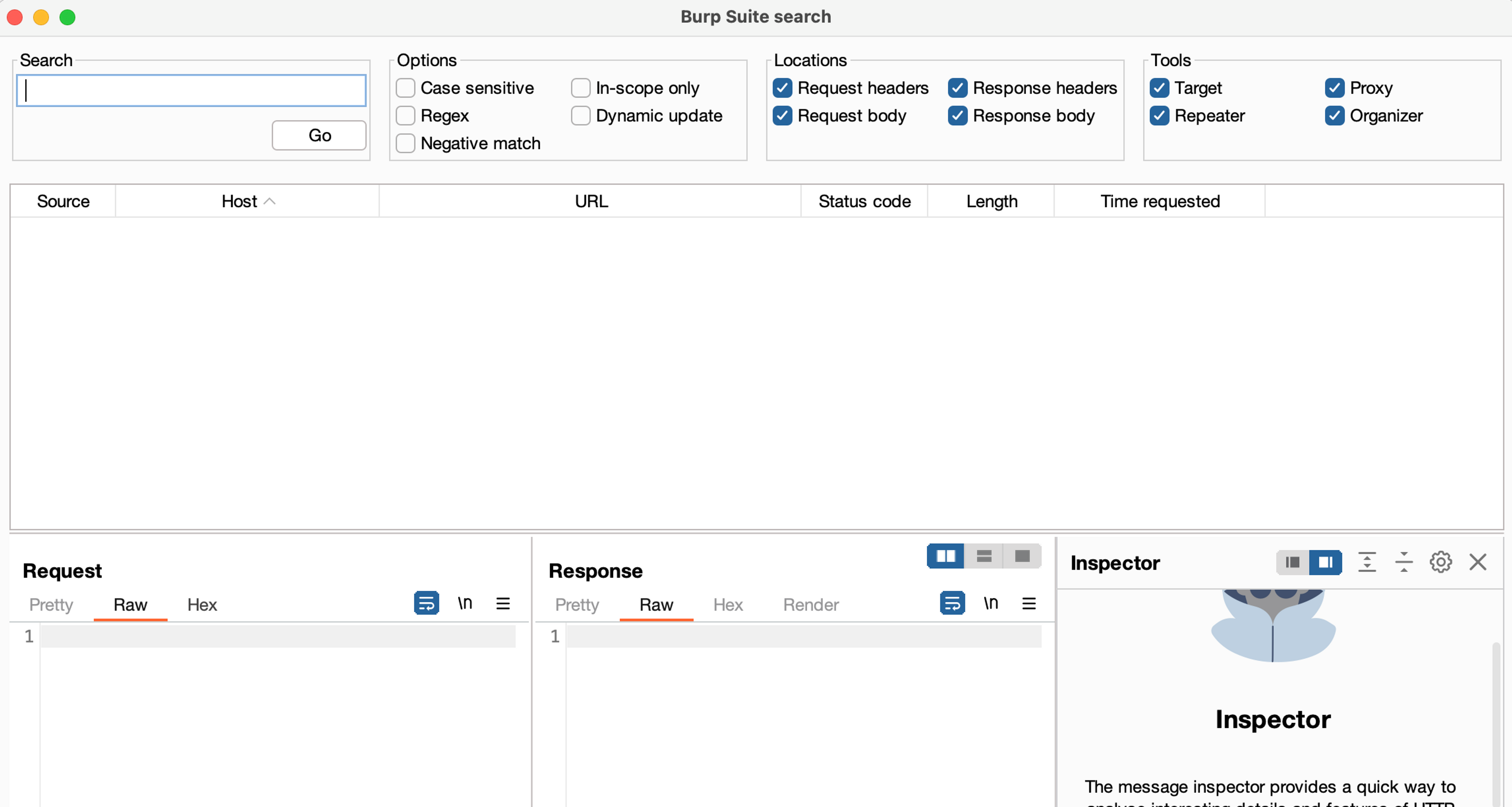
The burp search functionality is very convenient and easy to use.
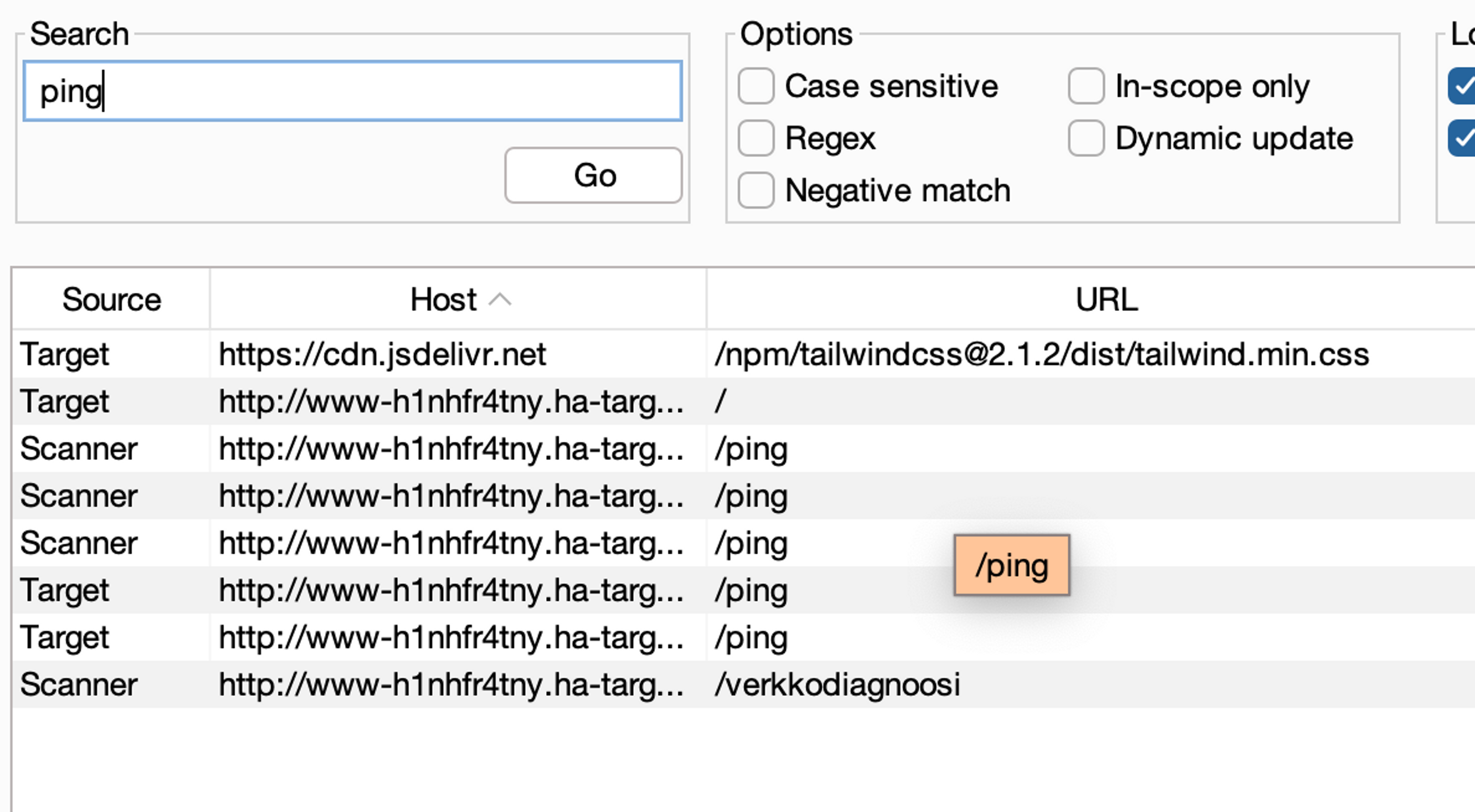
Search settings (Options)
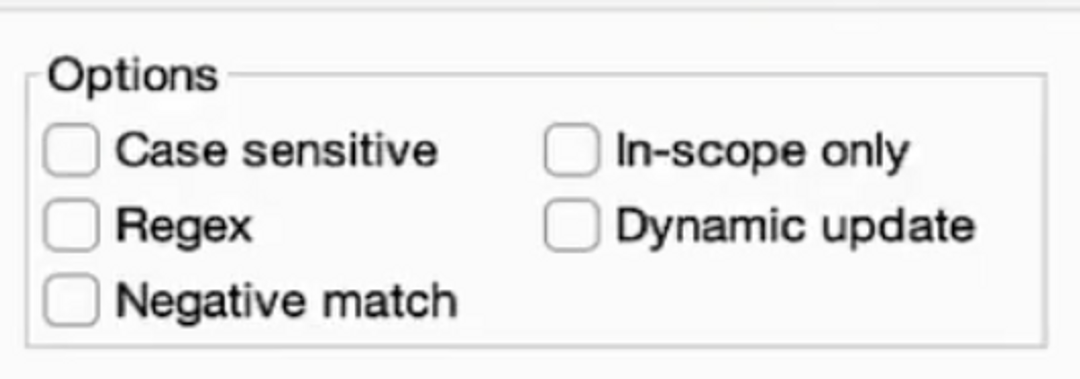
You can specify the following settings for the search:
- Search phrase: Enter the keyword or phrase you want to search.
- Case sensitive: Does the size matter? Heh heh... Check if letter size matters.
- Regex: Check this box if the search query is a regex pattern.
- Negative match: Show only items that do not match your search.
- In-scope only: Check the box to display only HTTP requests within the scope in the search results.
- Dynamic updates: Check to update search results automatically as Burp processes new HTTP messages.
From which locations are searched?
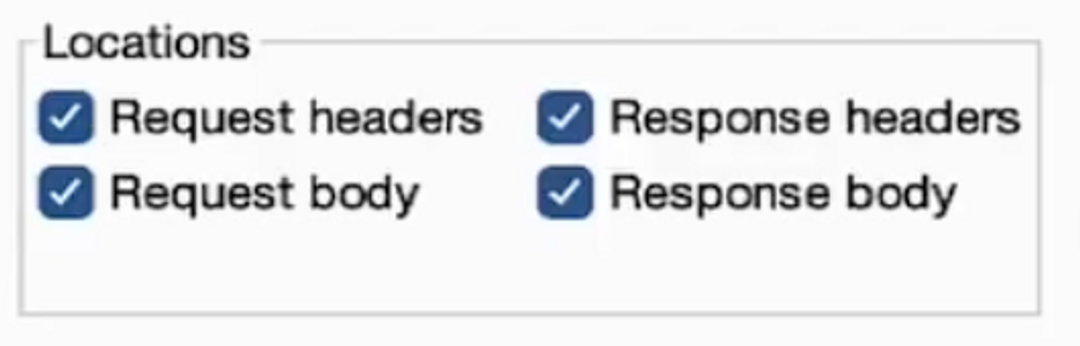
You can limit in the following ways where Burp queries.
- Request headers: Check this box to search the headers of HTTP requests.
- Request body: Tick to search from the body of HTTP requests.
- Response headers: Check the HTTP response headers for evidence.
- Response body: Check to search in the HTTP response body.
Where are the tools searched from? (Tools)
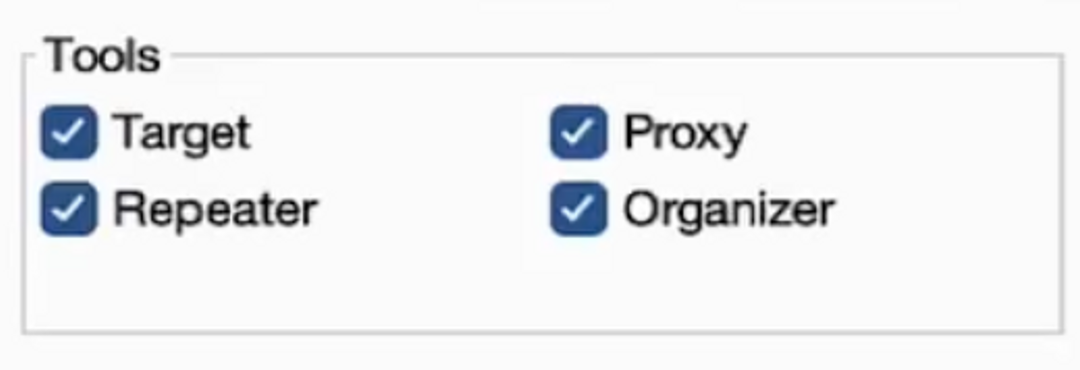
You can also limit the HTTP messages to be searched for by specifying which tools are used. The options are:
- Target: Search Sitemap.
- Proxy: Search for the Proxy tool from the HTTP history.
- Repeater: Search for open Repeater tabs.
- Organizer: Find from saved HTTP messages in Organizer tool.
Hakatemia Pro
Learn to hack — start here
Hundreds of interactive courses, virtual labs and CTF challenges in your browser. Start a free trial — no card required.