BurpSuite - Comparer
What is Comparer?
The Comparer tool can be used to compare two data objects with each other and notice any discrepancies between them. This can be useful, for example, if you are manually testing blind SQL injection or if you have nearly identical HTTP requests that, however, return different responses.
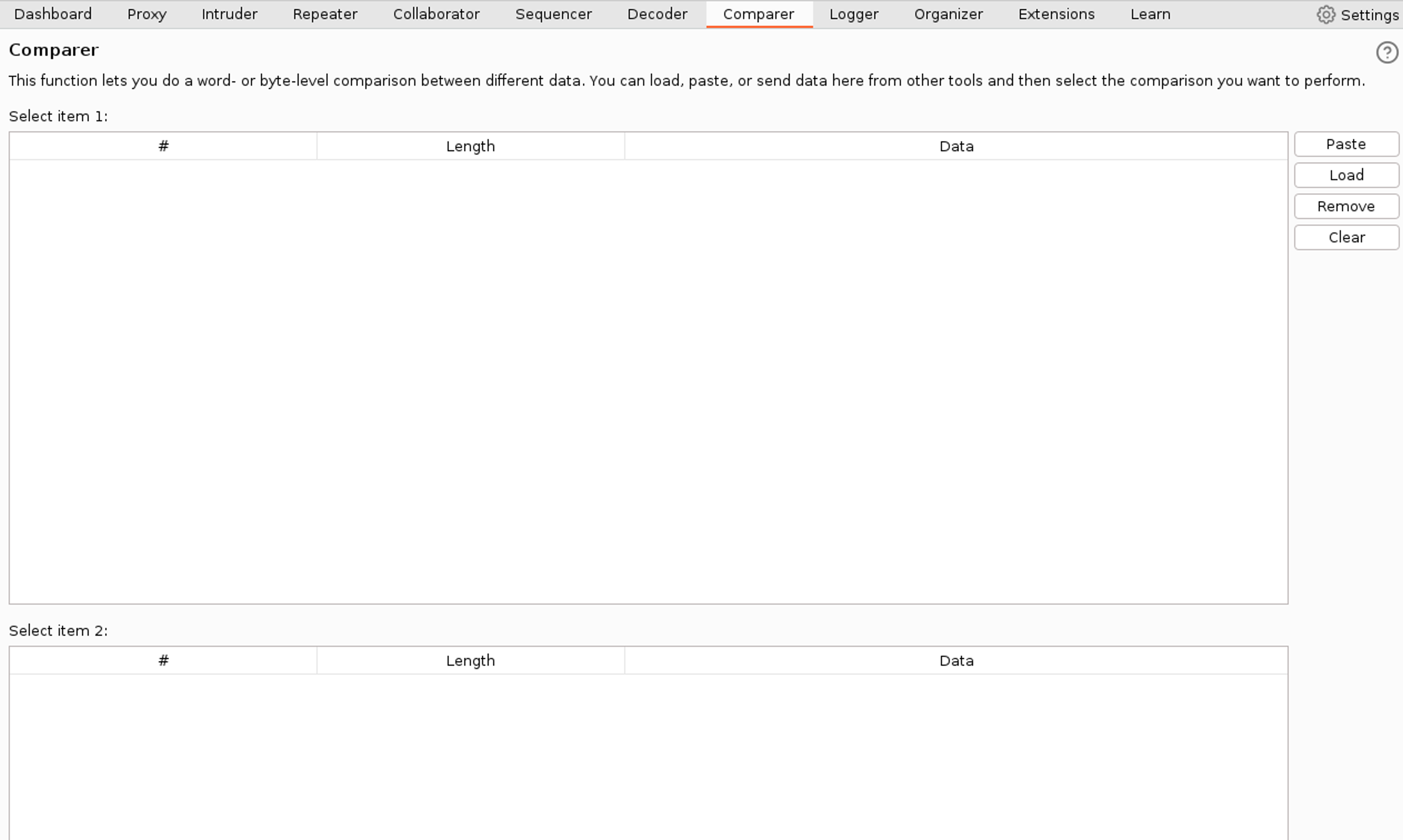
Using the Comparator Tool
Start by transferring two different HTTP responses to the Comparer tool, meaning select two different responses, then right-click and Send to Comparer. Then go to the Comparer tool. In the first field, select what to compare and in the second field, select what to compare against. Finally, choose at what level you want to compare them. The options are byte-level or word-level. Let's select Words.

Interpreting the Results

Interpreting the results.
- Orange color indicates if something has changed
- Blue indicates if something is missing
- Yellow marks if something has been added.
Test your knowledge
Learn to hack — start here
Hundreds of interactive courses, virtual labs and CTF challenges in your browser. Start a free trial — no card required.