The first BurpSuite extension
Jython Installation
This module covers how to create your very first, custom BurpSuite extension, kind of a "hello world" for BurpSuite extensions. We will build the extension using the Python programming language. BurpSuite is built with Java, so we need to use a package named Jython, which essentially translates our Python code into Java format.
Currently, Jython only supports Python2, so it's important to remember that we cannot use Python3 features when writing extensions.
Let's start by downloading the necessary Jython package here. The correct file is named jython-standalone-2.7.4.jar. Once you have downloaded this file, open the BurpSuite program and go to the Extensions window.
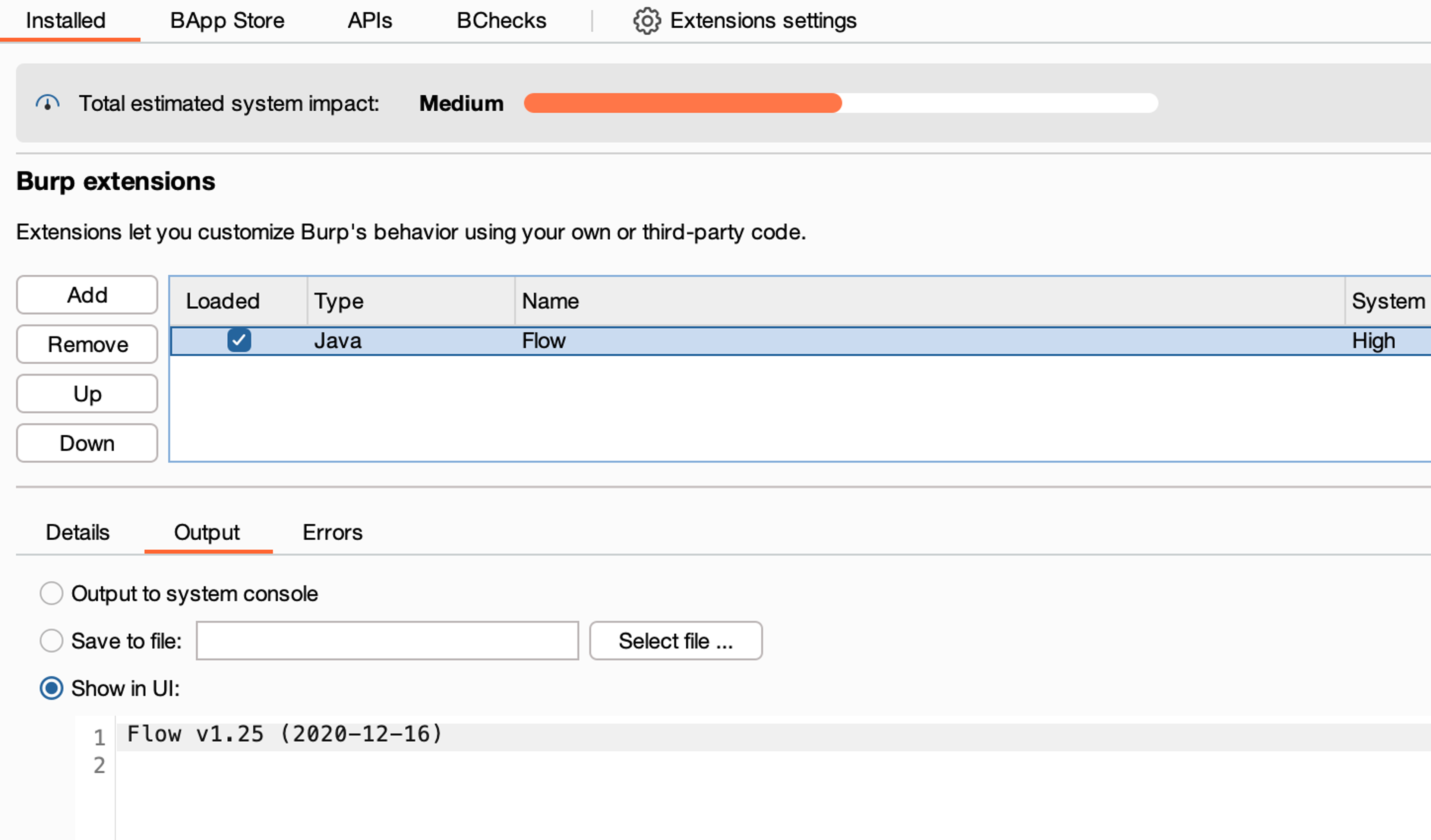
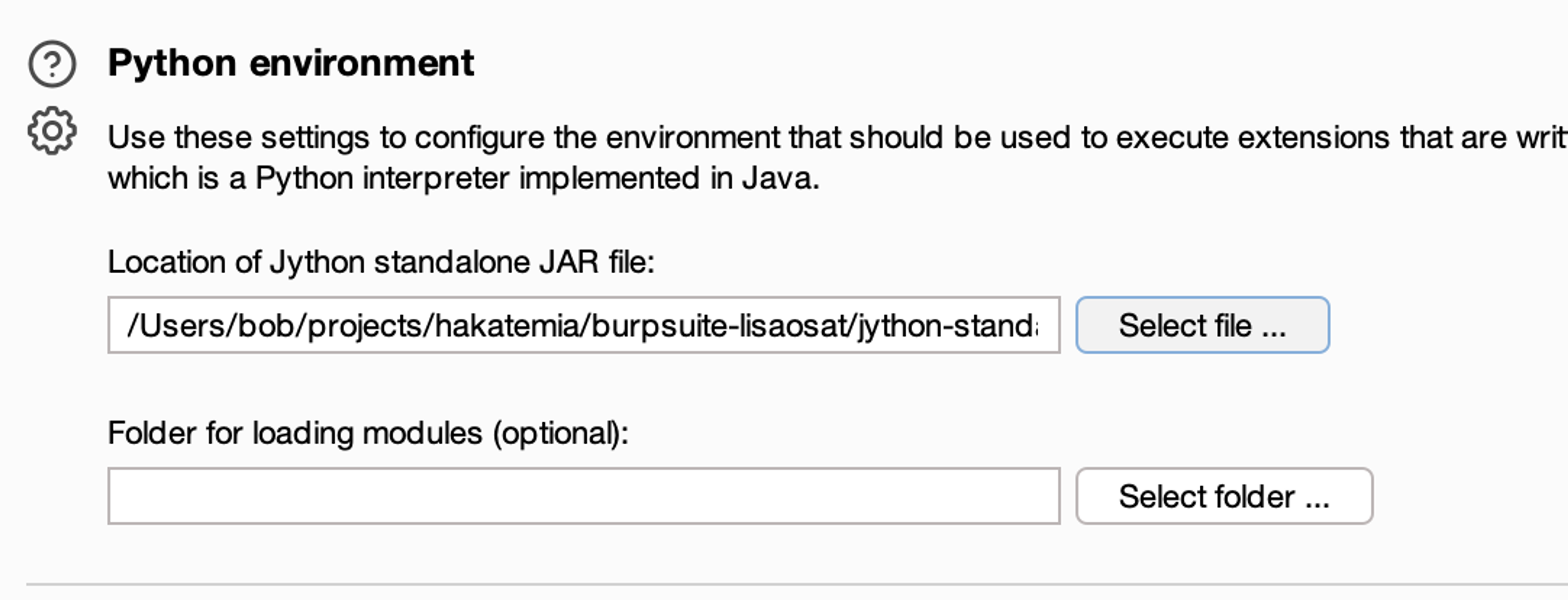
Select Extensions Settings and then set the Jython JAR package you recently downloaded to the Python environment section.
After this, you can make sure that it works by trying to install the Autorize extension from Burp's extension catalog. This requires Jython to function. If you can install this, then everything is working as it should.
Installing Your Own Extension into the BurpSuite Environment
Next, let's create our own BurpSuite extension and install it into Burp. Create a new file and save the following Python code into it.
1```python
2from burp import IBurpExtender
3from burp import IHttpListener
4
5class BurpExtender(IBurpExtender, IHttpListener):
6  # This function is called during installation
7  def registerExtenderCallbacks(self, callbacks):
8    # Create references to important classes, add more later
9    self.callbacks = callbacks
10    self.helpers = callbacks.getHelpers()
11
12    # Set the extension name
13    callbacks.setExtensionName("Hello World - plugin")
14    # Register the HTTP listener functionality
15    # Important for later
16    callbacks.registerHttpListener(self)
17    # Print in the Burp Environment and ensure functionality
18 print("Hello World")1
2Next, add the file by selecting *Add* from BurpSuite, choose Python in the *Extension Type* field, and select the extension file.
3
4
5
6You have now installed your very own BurpSuite extension!
7
8### Understanding the Code
9
10The course assumes a basic understanding of the Python programming language as well as the functioning of BurpSuite, so not all aspects of the code will be delved into extensively. However, it is important to understand the key aspects of the code:
11
12- *registerExtenderCallbacks -* Function called by the Burp program when the extension is installed.
13- *setExtensionName -* Function used to set the name of the extension, which will then be displayed in Burp.
14- *registerHttpListener* - Function that informs Burp that the extension wants to listen to/manipulate HTTP traffic. Important later in the course.
15
16All key information regarding building BurpSuite extensions using these functions / interfaces, can be found here: [https://portswigger.net/burp/extender/api/burp/package-summary.html](https://portswigger.net/burp/extender/api/burp/package-summary.html)
17
18This will be used and referred to a lot in this course. Therefore, it's worth familiarizing yourself with it.Learn to hack — start here
Hundreds of interactive courses, virtual labs and CTF challenges in your browser. Start a free trial — no card required.