Examining logs exercise 1
This module practices analyzing logs. Start the lab below and follow the steps. Then answer the questions.
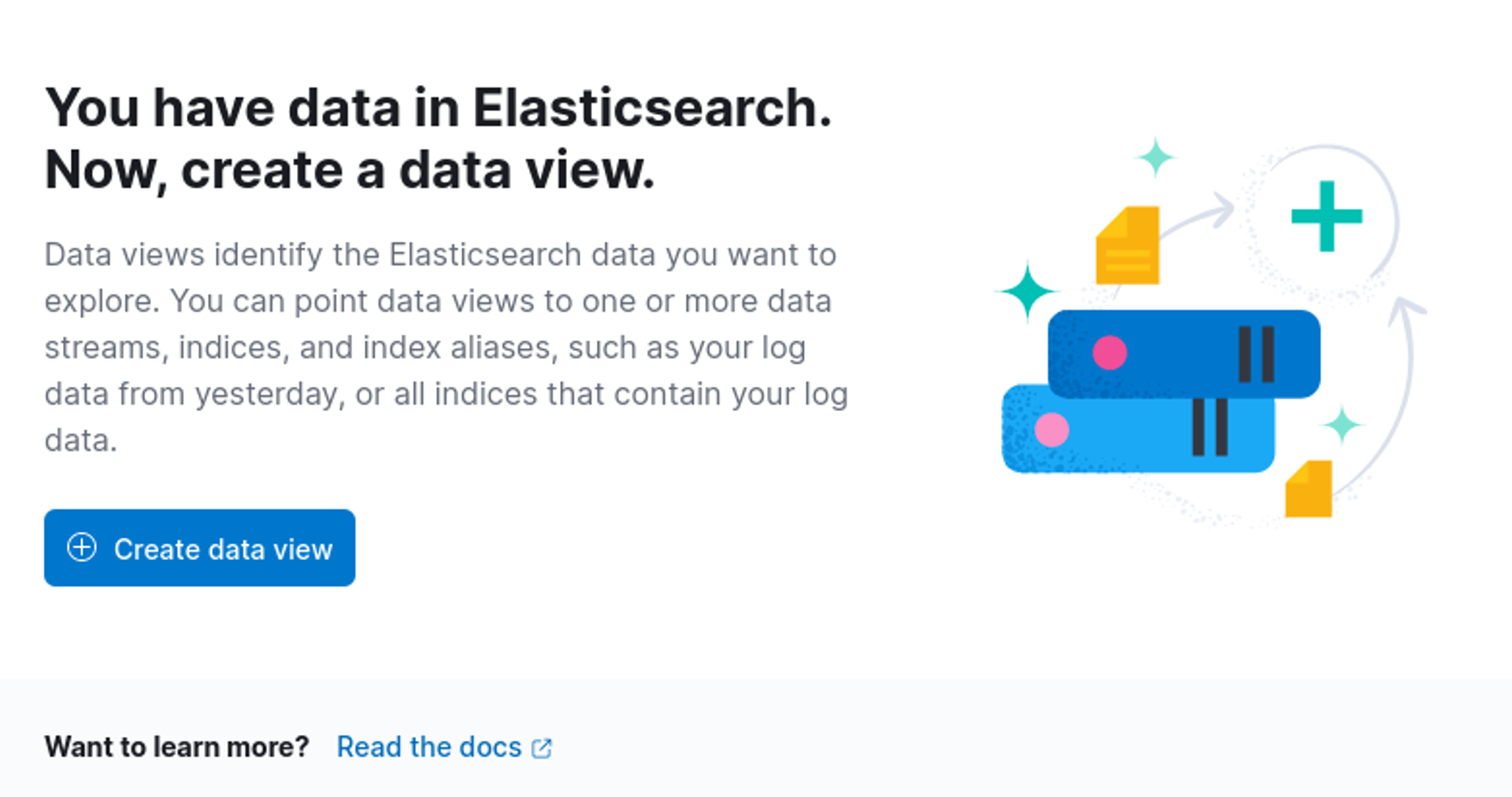
We have added ready-made log sources to ELK, but a data view still needs to be created from them. Start by going to Analytics -> Discover and Kibana will offer you the option to create a Data view. Click on Create data view.
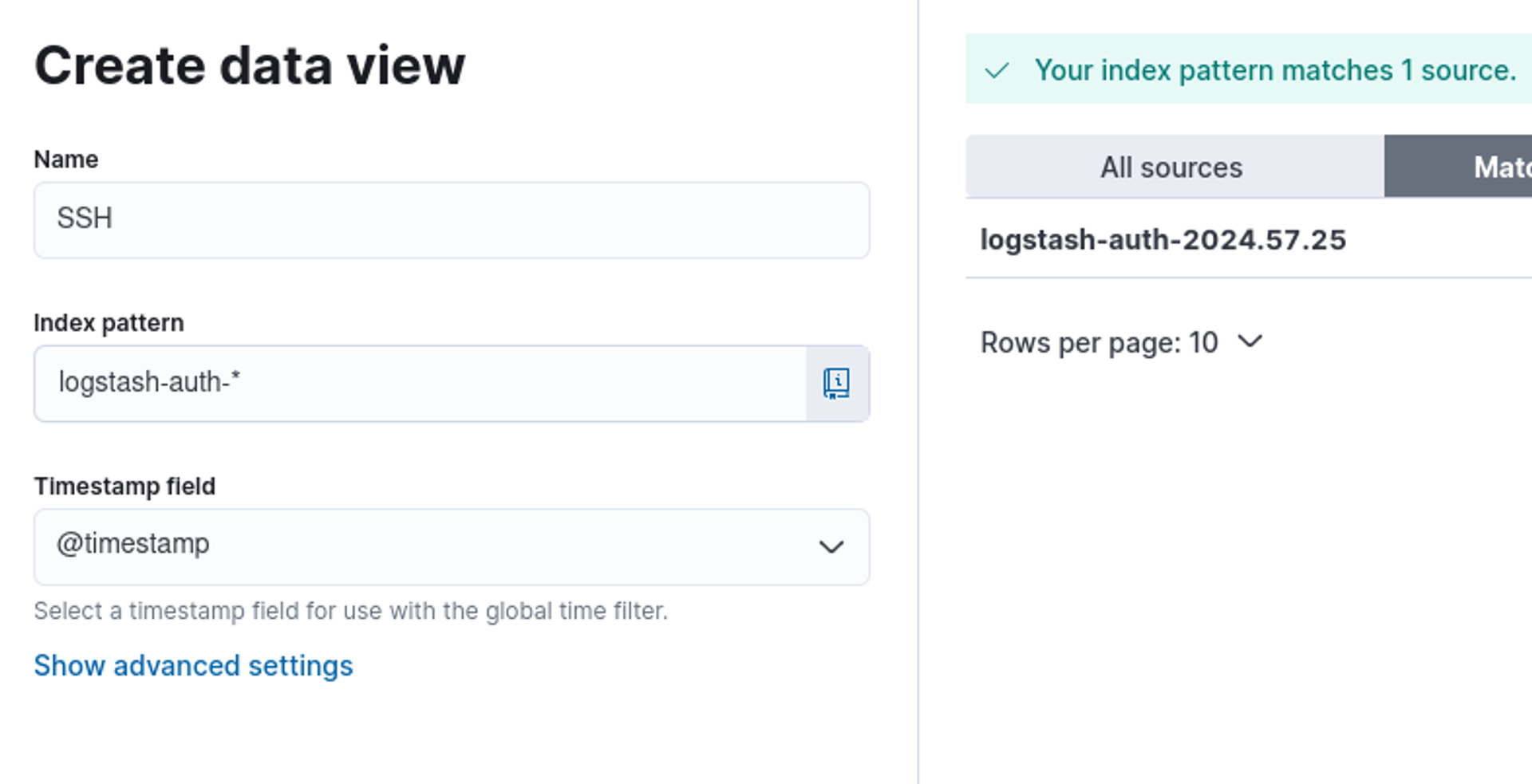
Choose *logstash-auth *containing SSH logs. Create a data view with the following values.
ELK stack terms
The "index" of the ELK stack* is a term used to describe the part of the database where the collected data is stored and indexed. Indexes are used for organizing, storing, and quickly retrieving data.*
"Data view" (data view)* is a concept that refers to the way data is presented and viewed based on a certain perspective or need. It may contain specific information from a database or other data source structured and presented in a desired way. Data view can be a kind of "view" or "report" that provides users with a specific perspective on data without actually modifying the data itself.*
Continue by moving to Analytics -> Discover and you will see the added logs.

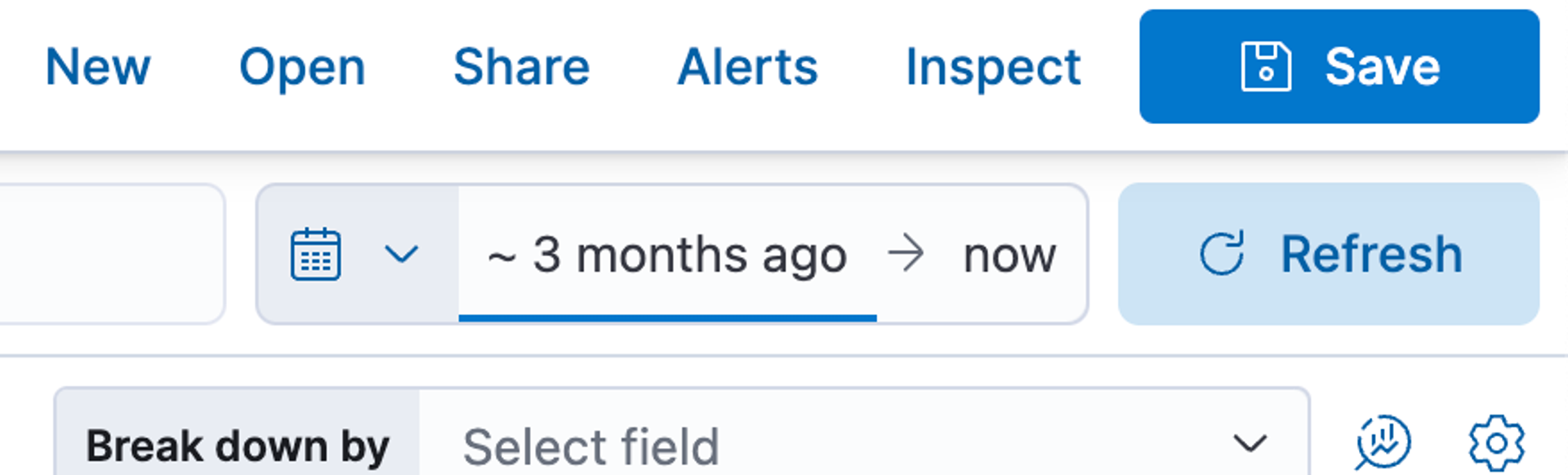
On the left side are the field values parsed from the log source, which you can click on and use to, for example, filter desired events or pieces of information from the log. In the top right corner, you can select the event time and of course by clicking on the waterfall, you can refine the timestamps. Answer the following questions below.
Tip: Be careful with time ranges
When investigating logs and narrowing down times, remember to be careful not to miss logs that have occurred outside the time frame you have defined!
Learn to hack — start here
Hundreds of interactive courses, virtual labs and CTF challenges in your browser. Start a free trial — no card required.